Customizing Interactive Candle Timeframes and Indicator Overlays Directly from Your Personalized Web-Based Trading Portal Workspace
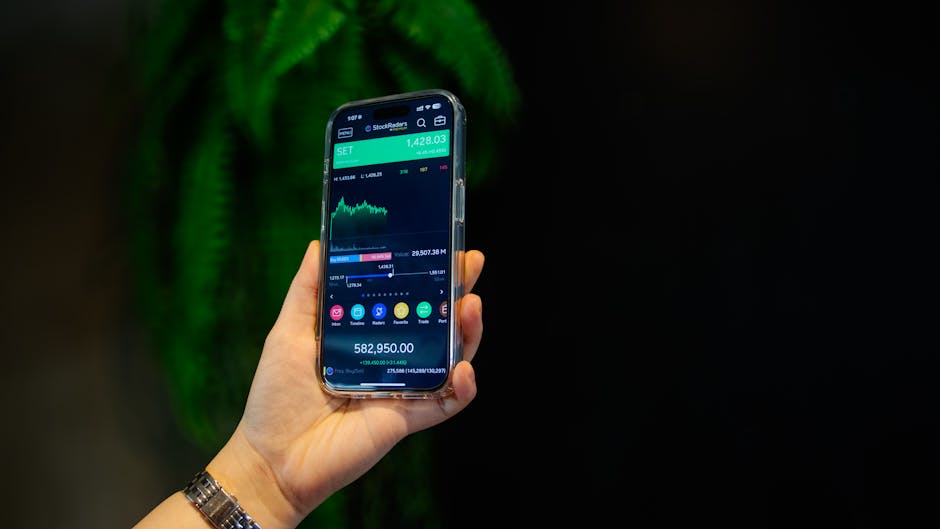
Understanding the Flexibility of Candle Timeframes in Your Workspace
Modern traders require instant adaptability when analyzing price action. Your personalized web-based trading portal allows you to switch between candle timeframes-from 1-minute to monthly-without reloading the chart or losing applied indicators. This is achieved through server-side caching that preserves your session state. Instead of fixed intervals, you can create custom timeframes like 3-hour or 7-day candles by defining tick count or minute duration in the settings panel. The portal recalculates OHLC data on-the-fly, ensuring continuity across all active instruments.
The real advantage lies in multi-timeframe analysis. You can split your workspace into multiple chart panels, each set to a different timeframe, and synchronize crosshair movements. For instance, monitor a 15-minute chart for entry signals while a 4-hour chart validates trend direction. Dragging a timeframe slider or clicking preset buttons updates all linked panels simultaneously. This eliminates the need for separate tabs or external software, keeping your analysis centralized.
Configuring Custom Timeframes
Navigate to the chart settings icon and select “Timeframe Manager.” Here you can input a custom value (e.g., 45 minutes or 2 days) and assign a hotkey. The portal stores up to 20 custom presets per user profile. Each preset saves the indicator layout, drawing tools, and zoom level, allowing one-click switching between trading sessions.
Overlaying Indicators with Precision and Control
Indicator overlays are not limited to default presets. Your portal workspace supports drag-and-drop placement of moving averages, Bollinger Bands, RSI, MACD, and custom scripts directly onto the candle chart. Each overlay can be adjusted for period, color, line thickness, and offset using a floating properties panel. For complex strategies, you can layer multiple indicators and set conditional visibility-for example, hiding the RSI when volume drops below a threshold.
Advanced users can write or import Pine Script-style code within the portal’s built-in editor. This allows creation of proprietary overlays, such as adaptive trendlines or volatility cones. The code executes in a sandboxed environment, and results render instantly on the chart. You can also save indicator templates and share them with team members via a private library, ensuring consistency across your trading group.
Managing Overlay Conflicts and Performance
When multiple overlays share the same price scale, the portal automatically stacks them with adjustable opacity. To prevent lag, you can limit the number of active overlays per chart to 10. The system also offers a “performance mode” that disables non-essential animations and reduces data fetch frequency during high-volatility events.
Integrating Timeframes and Overlays into a Unified Workflow
The true power emerges when you combine custom timeframes with dynamic overlays. For example, set a 2-hour chart with a 50-period EMA overlay and a volume-weighted average price line. Then, link this configuration to an alert system-if the price crosses the EMA on your custom timeframe, the portal sends a notification via email or WebSocket. You can also create multi-condition filters, such as “RSI below 30 on 1-hour chart AND price above 200-day SMA.”
Your workspace persists across devices. Changes made on a desktop browser sync to the mobile app via cloud storage. This means you can design a complex overlay setup at home and execute trades from a tablet without reconfiguration. The portal also logs every adjustment, allowing you to revert to a previous state or audit your decision-making process.
FAQ:
Can I save a specific timeframe-indicator combination for later use?
Yes, name and store the entire chart layout-including timeframes, overlays, and drawings-as a workspace template. Access it from the dashboard with one click.
Does changing the timeframe affect my active drawings or trendlines?
No, drawings remain anchored to the same price-time coordinates. The portal automatically rescales them when you switch timeframes.
How many custom indicators can I overlay simultaneously?
Up to 10 overlays per chart panel. For complex setups, use multiple panels and link them.
Are custom scripts visible to other users?
Only if you share them via the private library. By default, all scripts are private and encrypted on your profile.
Can I export my indicator settings to another trading platform?
Direct export is not supported, but you can copy the Pine Script code and paste it into compatible platforms like TradingView.
Reviews
Marcus T.
I trade forex on 5-minute and 1-hour charts. The ability to create a 45-minute candle timeframe helped me spot reversals that standard intervals miss. Highly intuitive.
Elena K.
Custom overlays are a game-changer. I coded a volatility-adjusted moving average directly in the portal. It saved me hours of manual calculation and improved my entry timing.
James H.
Switching between my desktop and phone is seamless. My indicator setup with 5 overlays syncs instantly. No other web portal offers this level of control.